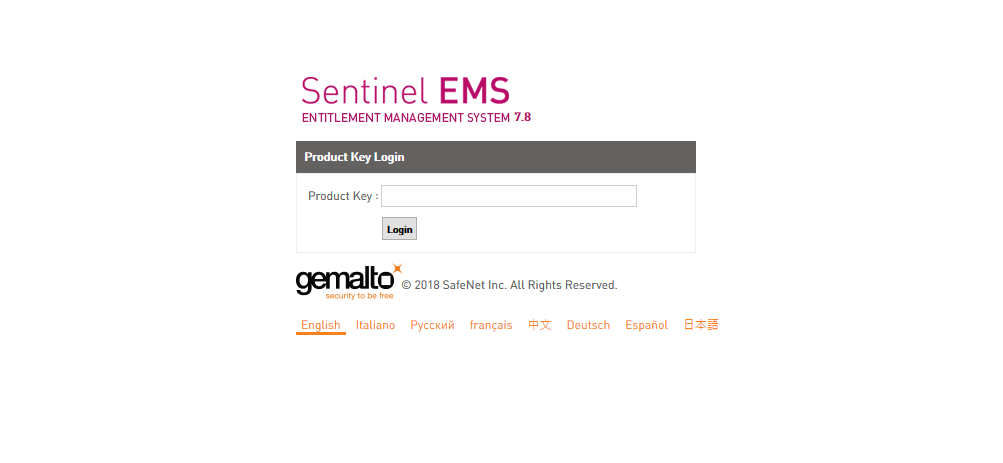
- Navigate to https://activate.motiondsp.com and enter your product key
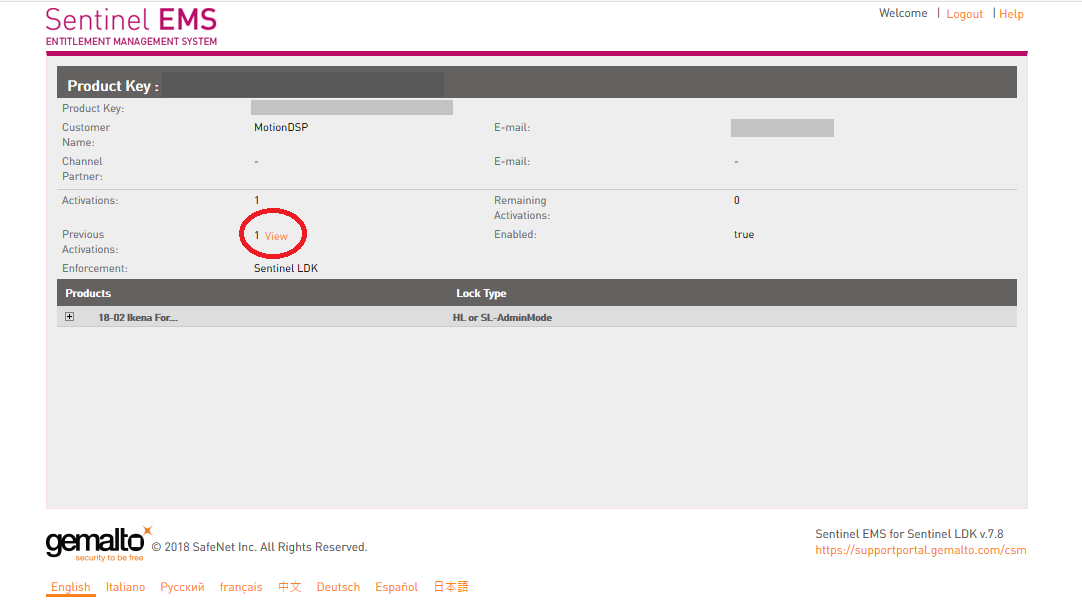
- Click view next to Previous Activations
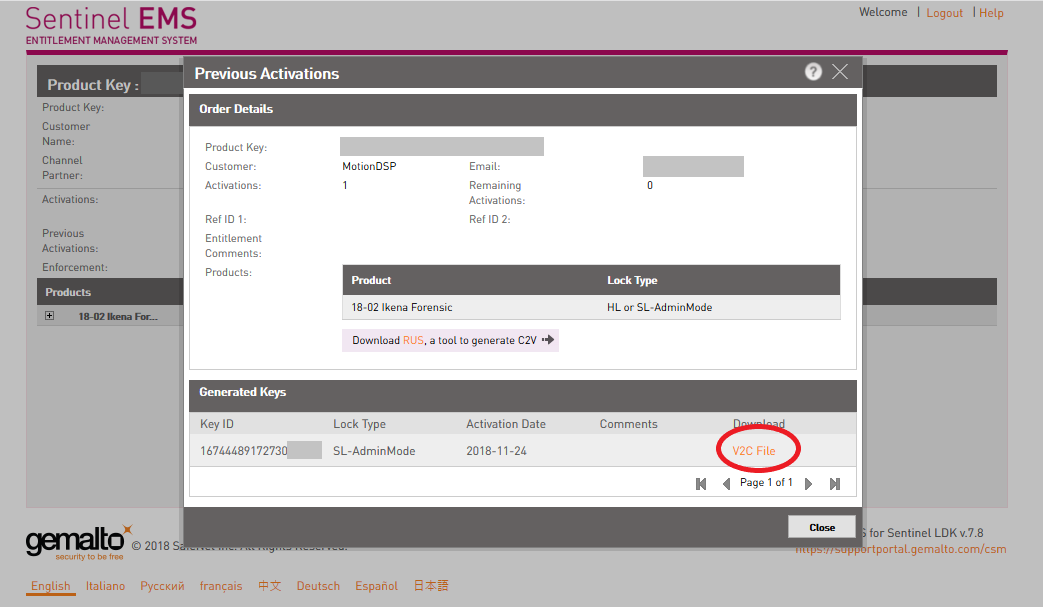
- Download the V2C file by clicking V2C file
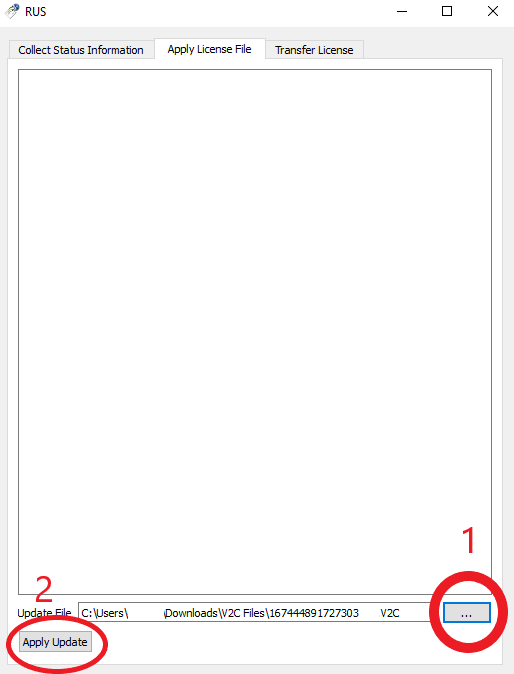
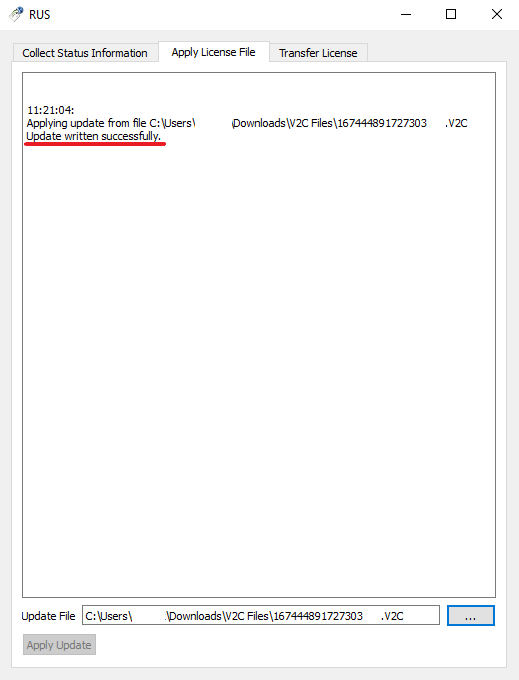
- Open the License Manager application, available in the MotionDSP Start Menu folder and choose the second tab, Apply License File. 1: Attach your V2C file 2: Apply your V2C file
- Your license is now attached
If you're having trouble attaching your previous activation to the same workstation you initially activated, please submit a support ticket. If you're trying to move your license to another workstation please see instructions on Rehosting